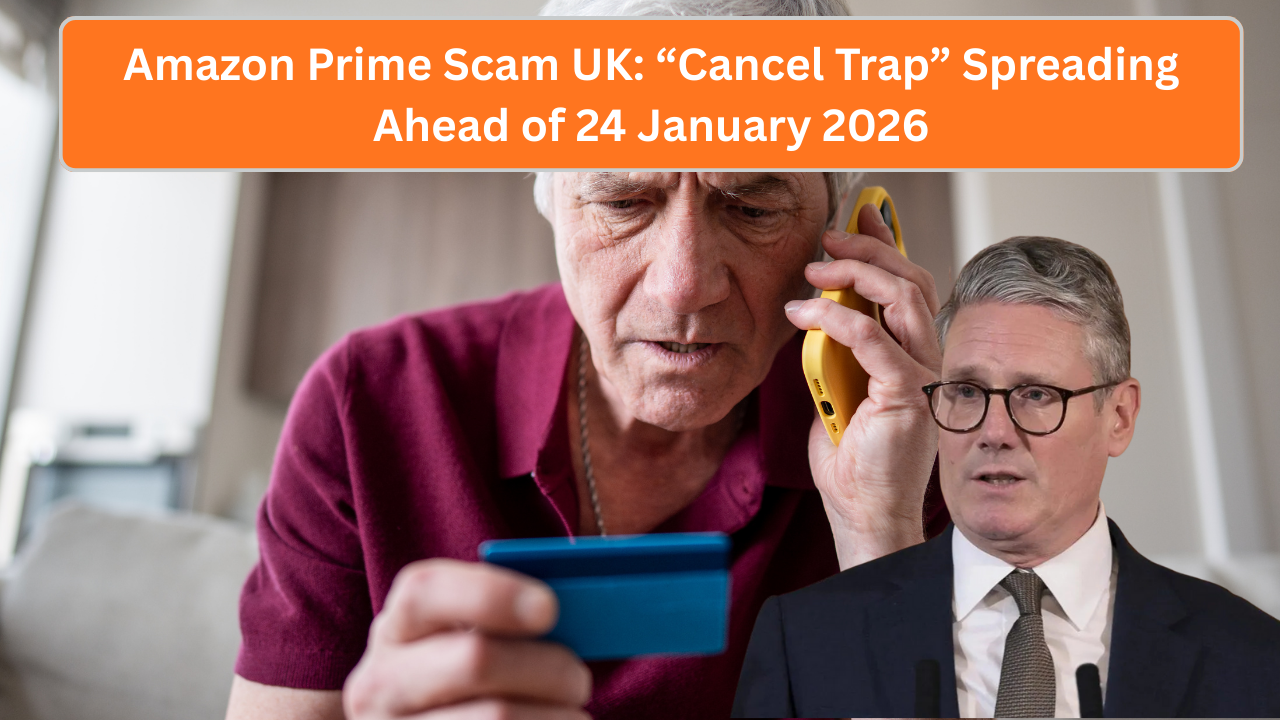
UK households are being warned about a fast-spreading Amazon Prime scam that tricks people into handing over personal and payment details by claiming their subscription needs urgent cancellation. The so-called “cancel trap” is appearing in emails, text messages, and automated phone calls — and it’s catching out even careful users.
The scam creates panic with fake deadlines, often warning that charges will continue unless you cancel before 24 January 2026. In reality, clicking the link or calling the number leads to a convincing fake page designed to steal logins and card details.
Here’s how the scam works, who is most at risk, and what to do if you’ve already interacted with it.
How the “Cancel Trap” Scam Works
Fraudsters pose as Amazon or Amazon Prime support and send messages that look urgent and official.
Typical messages claim:
- Your Amazon Prime subscription is “about to renew”
- A final chance to cancel before a specific date
- Your account is “restricted” or “under review”
- Immediate action is required to avoid charges
The message includes a link or phone number that does not belong to Amazon.
A consumer safety adviser warned:
“The language is designed to rush you. If you act quickly, you’re less likely to spot the red flags.”
What Happens If You Click the Link
The link usually opens a high-quality fake website that closely mirrors Amazon’s real login page.

Victims are prompted to:
- Sign in with their Amazon email and password
- Re-enter payment card details
- Confirm personal information
Once entered, scammers can:
- Access your real Amazon account
- Make purchases
- Sell your details
- Attempt further fraud across other services
Why the 24 January 2026 Date Is Being Used
Scammers often pick dates that feel official and plausible.

Late January works because:
- Many people review subscriptions after Christmas
- Annual renewals commonly fall in January
- People are distracted by bills and tax deadlines
The date itself is completely fake — Amazon does not use third-party links or countdown threats to manage subscriptions.
Who Is Most at Risk
While anyone can be targeted, reports show higher risk among:

- Older adults
- People who don’t regularly check subscriptions
- Households with shared Amazon accounts
- People unfamiliar with phishing tactics
Scammers also send messages in bulk, meaning you can receive them even if you don’t have Amazon Prime.
Real Experiences From UK Victims
Margaret, 72, from Surrey, received a text message warning her Prime would renew.
“It looked real and said I had to cancel that day. I clicked before thinking. Thankfully my bank stopped the payment,” she said.

By contrast, Tom, 38, spotted the signs.
“The link wasn’t Amazon’s website. That was the giveaway,” he explained.
How to Spot the Scam Quickly
Watch out for these red flags:

- Generic greetings like “Dear customer”
- Spelling or grammar mistakes
- Links that don’t start with amazon.co.uk
- Requests for full card details
- Pressure to act immediately
Amazon will never ask for sensitive details via email or text.
What Amazon Actually Says About Cancellations
Amazon Prime subscriptions can only be:
- Managed by logging into your account directly
- Cancelled through official Amazon settings
- Accessed without time-limited threats
Any message telling you to cancel via an external link is a scam.

What To Do If You Receive One of These Messages
If you get a suspicious Amazon Prime message:
- Do not click any links
- Do not call the number provided
- Delete the message
- Check your Amazon account by typing the site address yourself
If you’re unsure, logging in independently is always safest.
What To Do If You’ve Already Clicked
If you’ve interacted with the scam:
- Change your Amazon password immediately
- Change passwords on any linked accounts
- Contact your bank if card details were entered
- Monitor transactions closely
- Run a security check on your device
Acting quickly can limit damage.
Comparison: Real Amazon vs Scam Messages
| Feature | Real Amazon | Scam Message |
|---|---|---|
| Links | amazon.co.uk | Lookalike URLs |
| Tone | Informational | Urgent, threatening |
| Requests | Account login only | Passwords & card details |
| Deadlines | No pressure | Fake countdowns |
Knowing the difference is your best defence.
Q&A: Amazon Prime Scam UK
1. Is this a real Amazon message?
No.
2. Does Amazon set cancellation deadlines by text?
No.
3. Is 24 January 2026 a real date?
No.
4. Can non-Prime users get these messages?
Yes.
5. Should I click to check?
No.
6. How do I cancel Prime safely?
Log in directly to Amazon.
7. Are phone calls also used?
Yes, increasingly.
8. What if I gave my password?
Change it immediately.
9. Will Amazon ever ask for card details by email?
No.
10. Can banks reverse charges?
Often, if reported quickly.
11. Should I report the scam?
Yes, to your bank and local reporting channels.
12. Are these scams increasing?
Yes, especially around January.
13. Is this only in the UK?
No, but UK users are heavily targeted.
14. Can antivirus stop it?
It helps, but awareness is key.
15. What’s the key message?
Never cancel Amazon Prime through links in messages









Leave a Comment